How to play Cork7 with a friend
- Open the original game and sign in to your rider account.
- Choose Multiplayer on the park map. Agree on a park before starting the run.
- Select the same numbered room, or find your friend in the Friends panel and use the available join action.
- When riding live, use Invite in Friends to bring a friend to your room.
- Check the rider list before setting off together. Hold Tab to see riders on the mountain.
For a first session, decide whether you want to explore, practice a feature or compete. Riding to the same general destination is easier to coordinate than trying to copy every turn. One rider can finish a run while the other learns the approach, then compare what worked.
Friends features include requests, online status and joining or watching supported sessions. Use the in-game status to find each other instead of guessing which public room someone entered.
Understand rooms and park selection
The game opens more rooms automatically as a park becomes busy. Its October update gives expansion thresholds of 20 riders, or 14 in Big Air. These numbers describe when another room opens; they are not the room's maximum capacity.
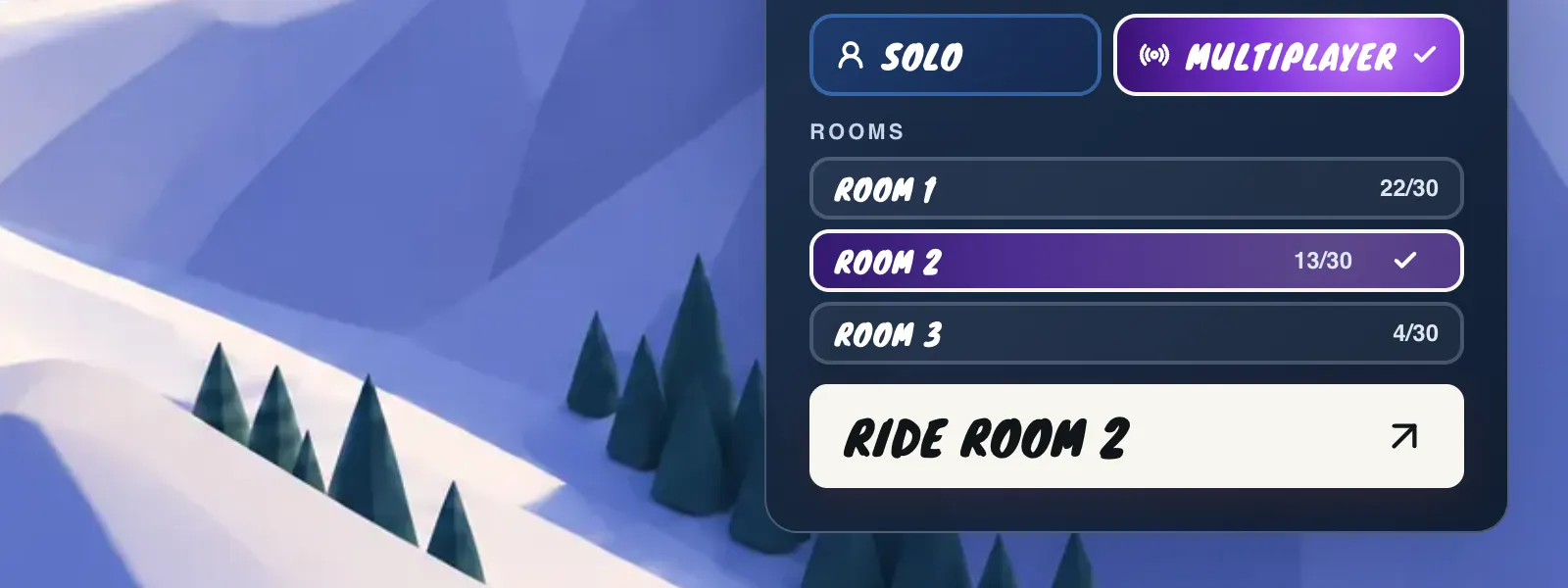
A manually chosen room, a friend join or an invitation can still place you in that room until it is full. If a friend cannot enter, choose another room together and check the selection again. Avoid relying on the illustrative rider counts in a guide image: only the original game's live map shows the current session.
The park choice matters too. A rider in APEX is in a different session from someone in Big Air, even if both room labels use the same number. Confirm the park first and the room second.
Challenge a rider to a 1v1
APEX and Big Air have 1v1 competition. A match gives each rider two runs, and the better score from those attempts decides the result. Use the 1v1 action in the supported multiplayer park or challenge through Friends, then follow the game's countdown and turn order.
The result screen can show both riders' best attempts together as highlights. Watch the takeoff and landing as well as the final number. A simple comparison is to choose one moment from your run and decide what to practice before the rematch.
A reliable familiar line is a useful starting point for a duel. Add a difficult trick after you can complete the route consistently.
Chat, recordings and a comfortable session
T opens multiplayer chat; Enter sends and Esc closes it. Chat goes to riders in the same room. The game provides mute controls and options for quick phrases or turning chat off, so you can choose how social the session feels.
Use a rider name that you are comfortable showing publicly. Other players can capture riders who appear in their local replays or exported clips. If you plan to share a clip of a session with friends, let them know what you intend to post.
When a session feels too busy for learning, take the same objective into Solo, practice it, then return. Keep the goal small enough that you can explain it to your friend in one sentence.
Sources
Game controls and features may change. Refer to the original game's current settings and field guide.