Cork7 keyboard controls at a glance
Keep your first lap simple. Use the movement keys to reach a jump, try one small rotation, and leave yourself time to line up the landing. The table separates everyday movement from airborne inputs so you can find the action you need quickly.
| Input | When | Action |
|---|---|---|
| A / D | On snow | Turn and carve |
| W | On snow | Pole or tuck for speed |
| S | On snow | Brake |
| Space | Before takeoff | Hold to load, release to pop |
| A / D | In the air | Spin left or right |
| W / S | In the air | Frontflip / backflip |
| ← / → | In the air | Air roll |
| Shift | In the air | Mute grab |
| Q / E | In the air | Tail / Japan grab |
| F | Gondola | Skip the journey |
| R | During a run | Hold two seconds to restart |
| Esc / P | During a run | Open the menu or pause |
| T / Tab | Multiplayer | Chat / hold to see riders |
Take a first lap without chasing a score
- Choose a park and Solo. Start with a route you can recognize on the next lap.
- Ride the gondola, or use F to reach the summit sooner.
- Approach a kicker with your skis aimed toward the landing. Hold Space before the lip and release to add pop. A kicker can launch you without a manual jump too.
- On a later attempt, add a brief A or D input. Release it before touchdown and watch how the rider settles.
- Finish the run and review the replay. Pick one change for your next lap.
For practice, repeat the same feature before moving on. A familiar approach makes it easier to notice whether a different takeoff or longer key hold changed the result. This is a learning exercise, so an uncomplicated landing is a useful result.
Combine inputs for corks, grabs and rails
Combine a spin with S for a cork, or with W for a bio. A spin with a horizontal arrow produces a flatspin. Adding ↑ to a spin and backflip makes a rodeo; adding it to a spin and frontflip makes a misty. The trick name reflects the movement you complete.
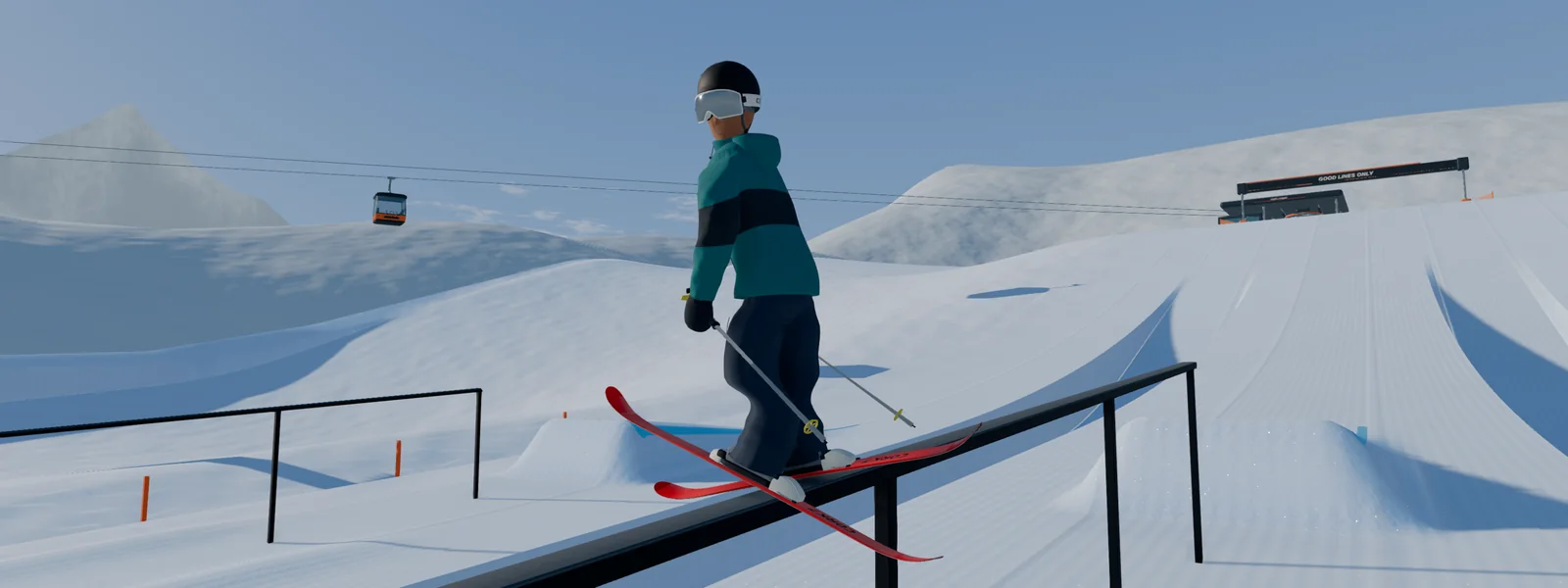
On a rail, A and D turn the slide. The rail carries you onward, and Space lets you pop off. Try the exit before attempting a longer combination: arriving at the next landing under control gives you a clearer starting point for adding rotation.
Connect a controller and make the layout yours
Xbox and PlayStation controllers work with the browser game and the official desktop app. Connect by USB or pair through your computer's Bluetooth settings, click the game, then press a controller button. Open Settings, then Controls, to see or change the bindings.
If the pad does not appear, focus the game window and press another button. The official guide also recommends closing Steam if it is taking over the controller. Change one binding at a time and try it on an easy lap before remapping the rest. Signed-in control changes can follow your account between devices.
Start with steering, pop and one grab. Add the harder combinations once those inputs feel comfortable.
Sources
Game controls and features may change. Refer to the original game's current settings and field guide.